This feature is only available to Overgrad Pro customers with AI Features enabled. Please connect with an Overgrad rep if you are interested in learning more.
Prefer a video? Learn more about Career Discovery here.
Step 1: Accessing the Career Discovery tool
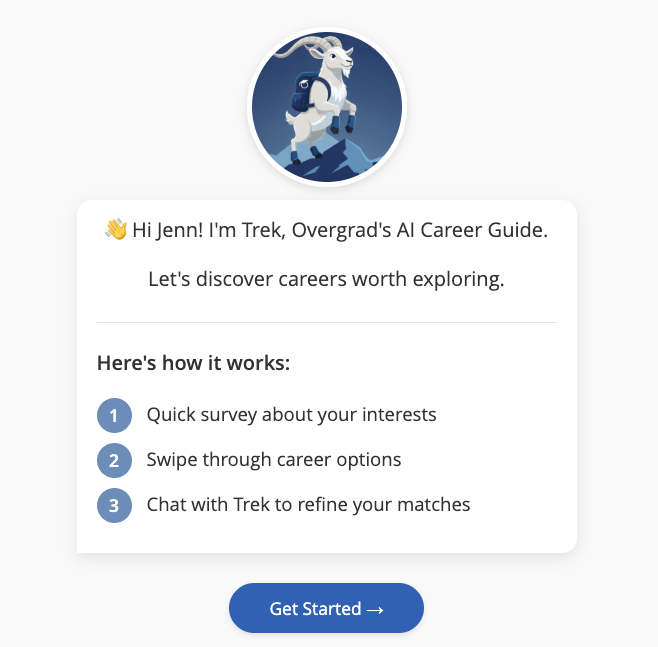
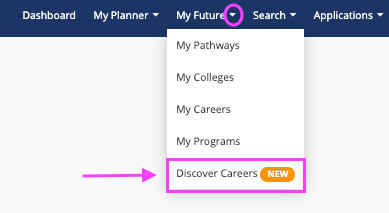
Step 2: Completing Career Discovery
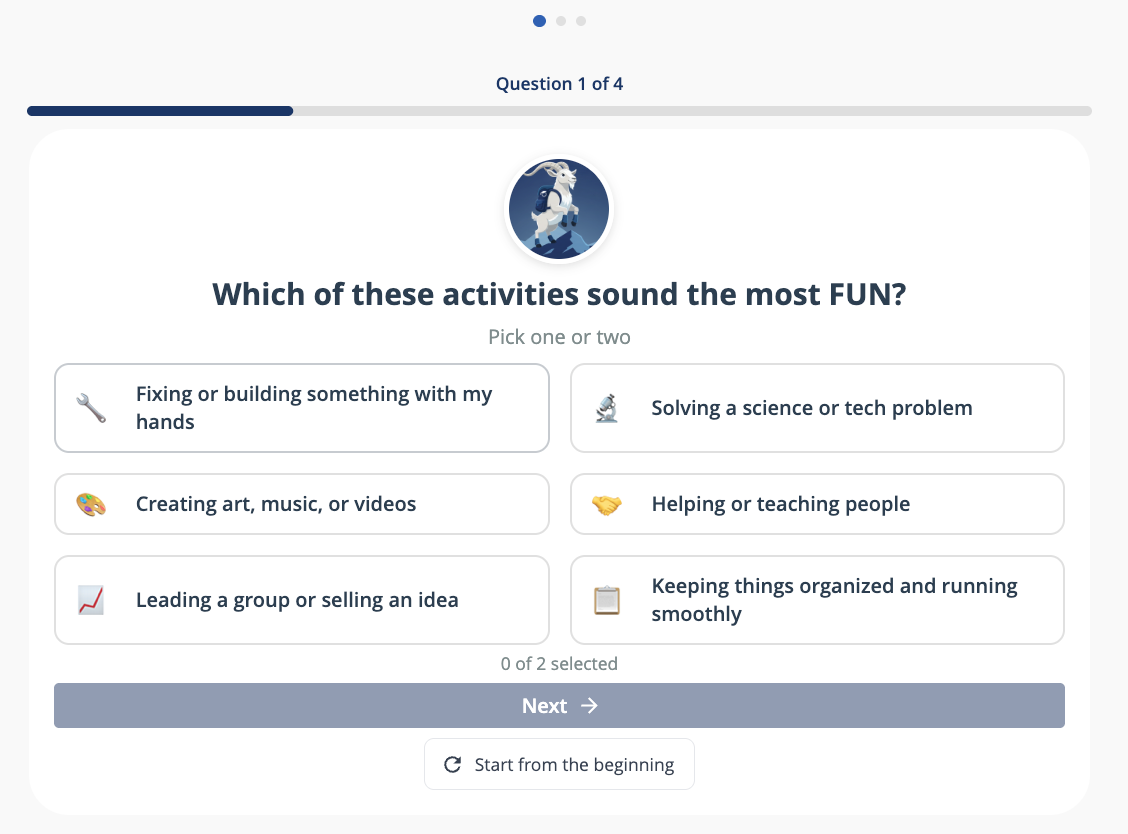
You will be guided through a set of questions and experiences to identify your potential career pathways:
Answer questions about your interests and vision for the future. Some questions will allow you to select more than 1 response.
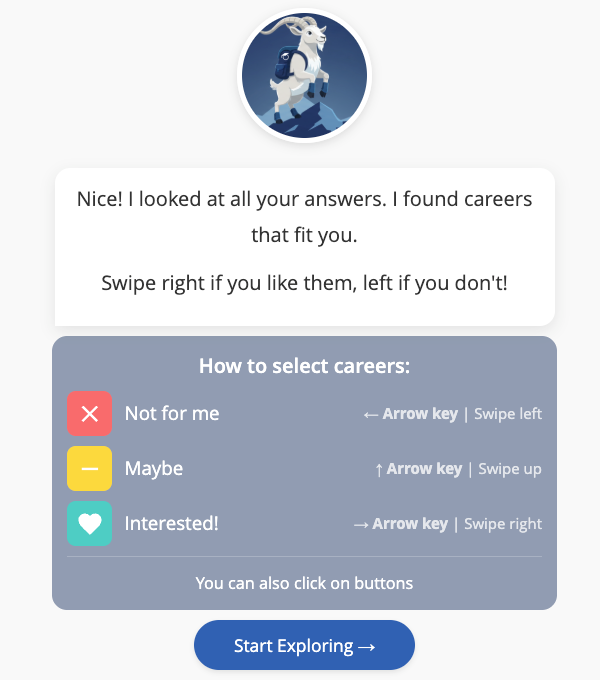
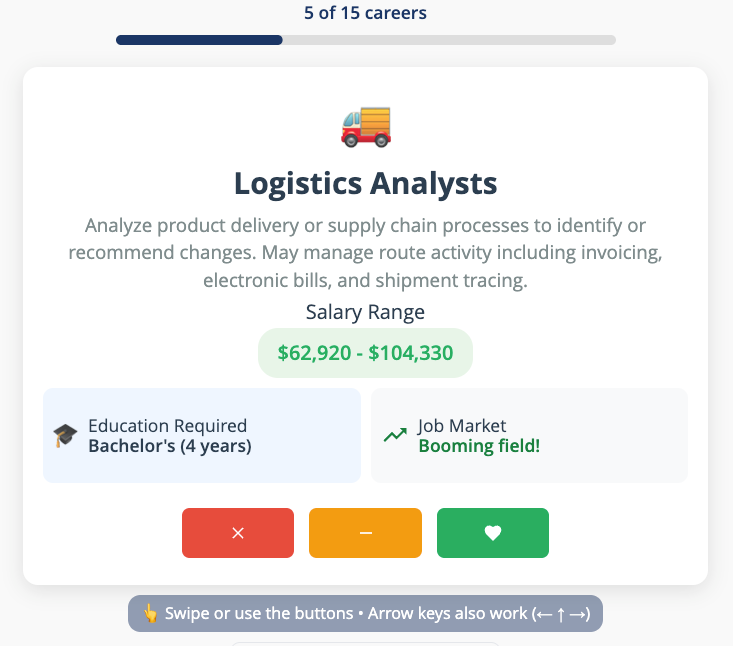
Next, Trek will present a set of career cards based on your responses in the previous section. Read each career card and decide if the career is not for you, maybe, or interesting. You can swipe the card (left, up, or right), use the arrow keys ( ← ↑ →), or click the color icons
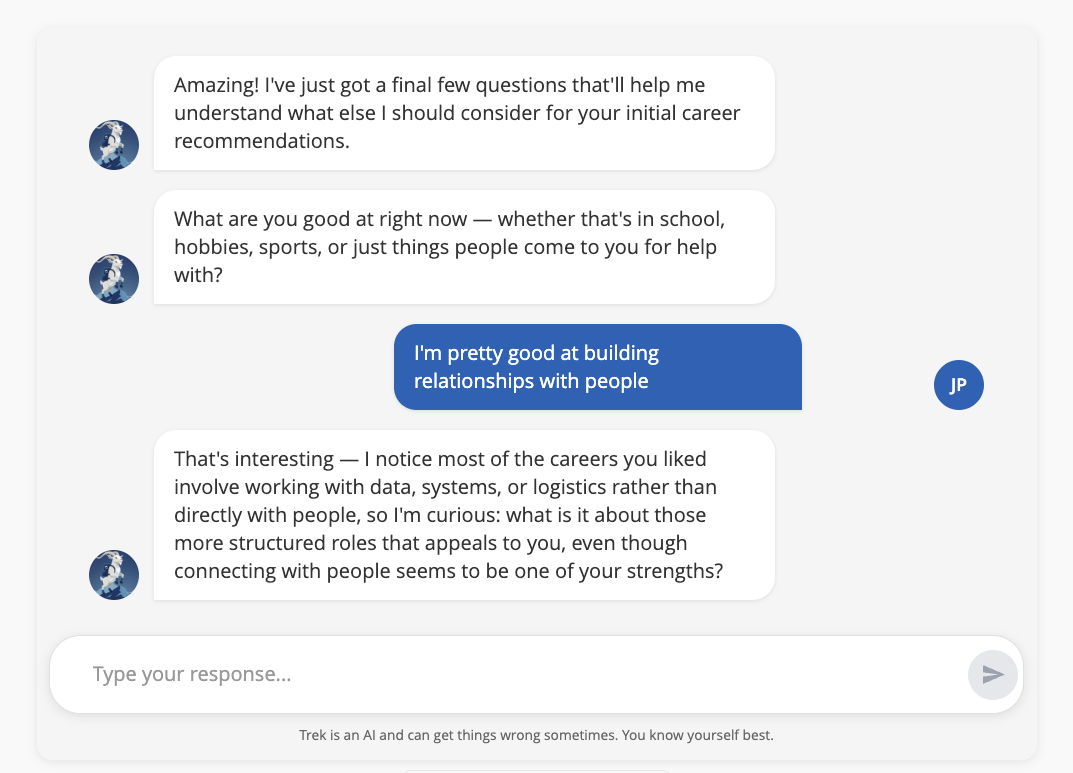
Finally, chat with Trek to share more nuance about your strengths and career interests. This will help the tool hone in on the just right careers for you.
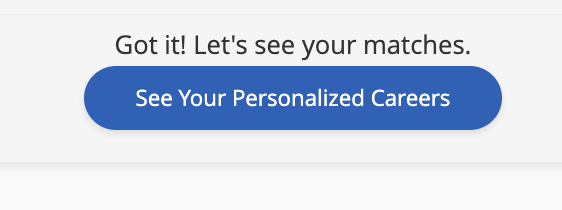
Click “See Personalized Careers” to see your matches!
Step 3: Review and Follow Careers
Based on all your previous responses, you’ll see your Career Starting Points. For each career, you will see an overview, salary range, required education/training, job outlook, and information about why this career is a match.
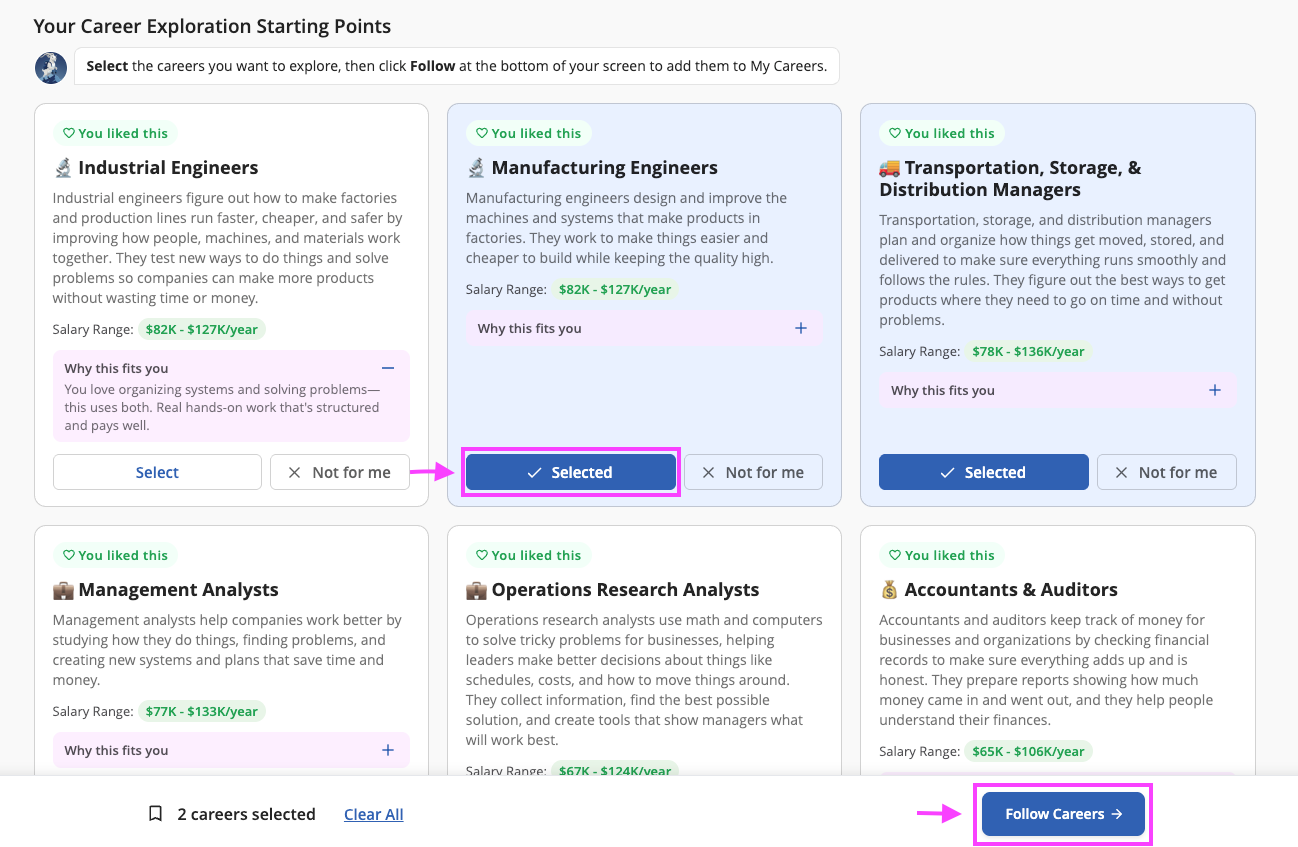
All careers that are a strong match will be automatically added to your “My Careers” page. After reading each career card, you can mark each job with these icons:
Follow: the career is added to your “My Careers” page
Remove: the career will be removed from your recommendations page
Step 4: Explore “My Careers”
Once you have read all of your recommended careers, you’ll see the navigation bar at the bottom of your screen will show how many careers you have followed. Click “Follow & explore my selected careers” to learn more about each career.

Here, you can read more information about each career. Be on the lookout for updates to the career pages as we add more interactive content to help you learn more about each career!
Step 5: Retaking the Survey
If you want to retake the survey, click on the “Start from the beginning” icon at the bottom of the page.
Was this article helpful?
That’s Great!
Thank you for your feedback
Sorry! We couldn't be helpful
Thank you for your feedback
Feedback sent
We appreciate your effort and will try to fix the article