Following a career saves it to your Overgrad profile so you can track it and revisit it anytime.
Step 1: Search for a career
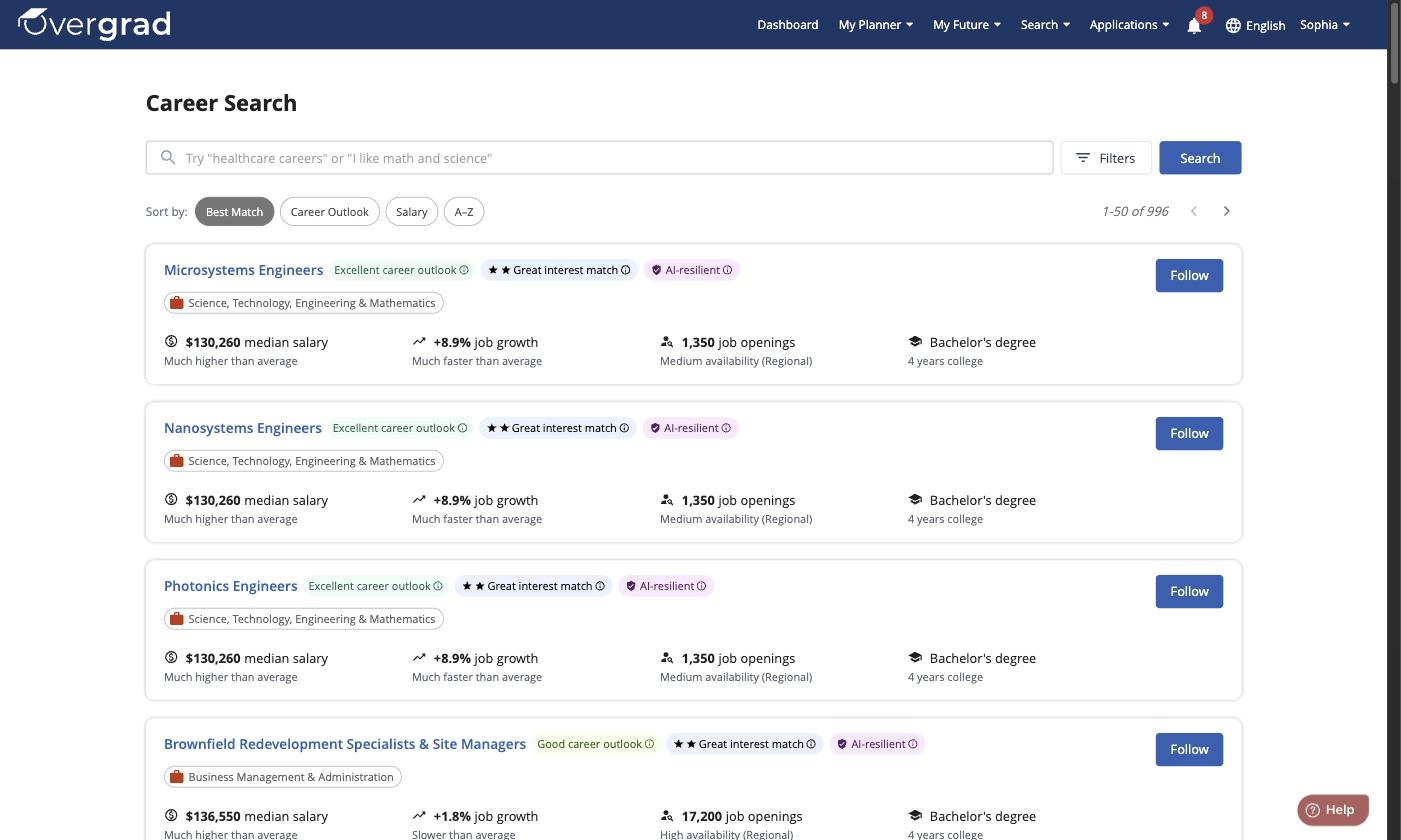
From the toolbar, click Search, then select Careers. Browse or search for a career you're interested in.
Step 2: Follow the career
You can follow a career two ways:
On the Career Search results page, click the blue Follow button next to any career.
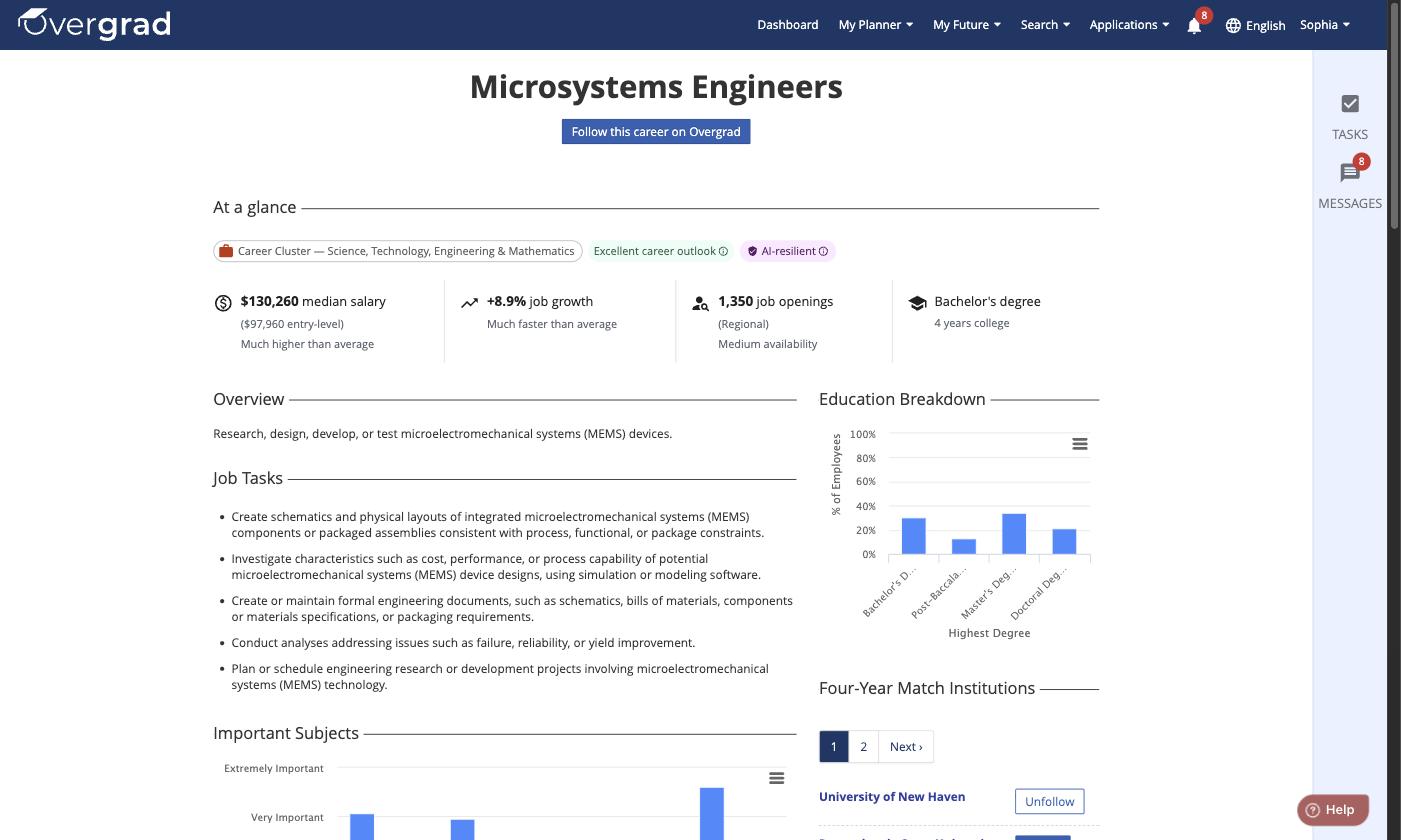
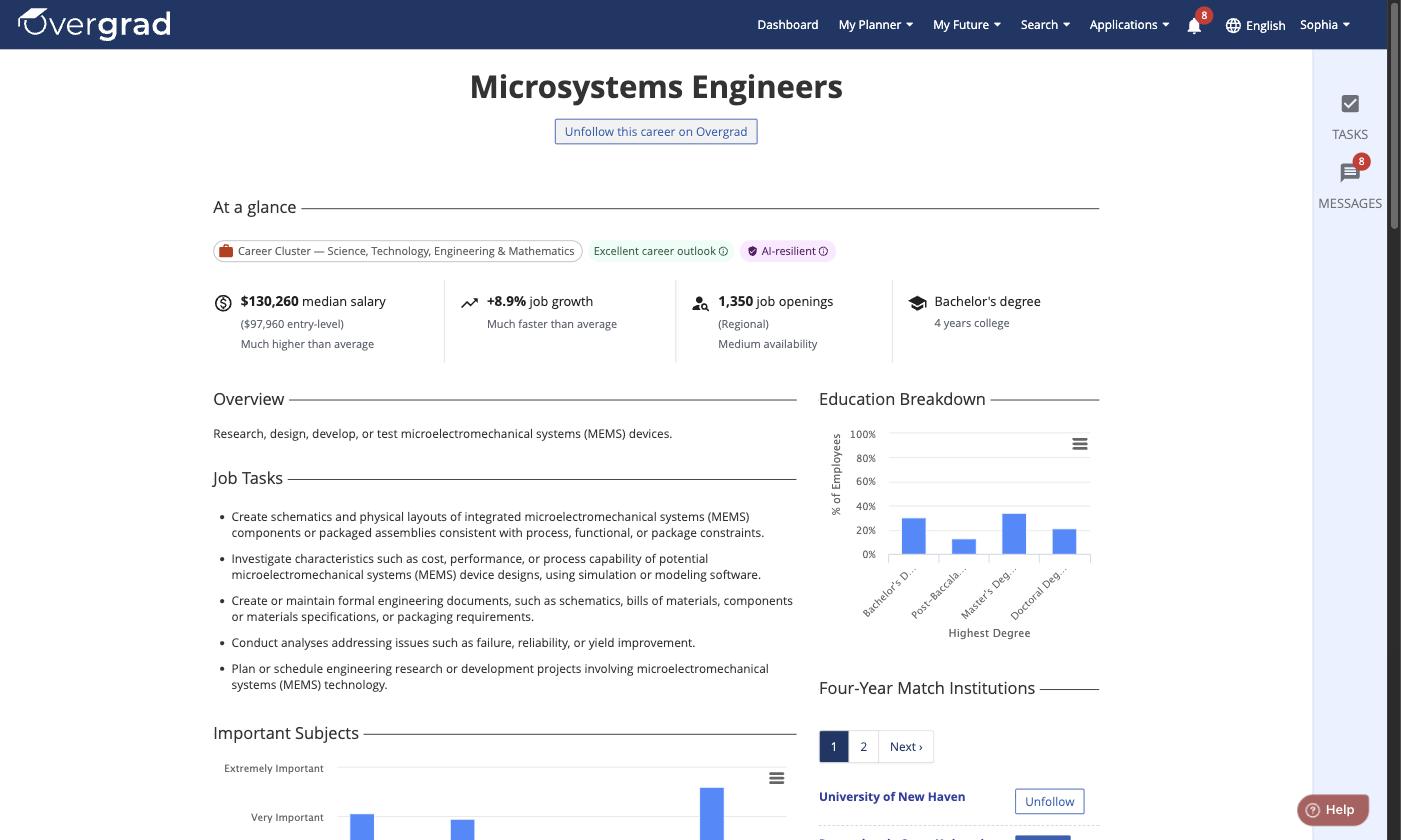
Or click into a career's profile page to see more details, then click "Follow this career on Overgrad" near the top.
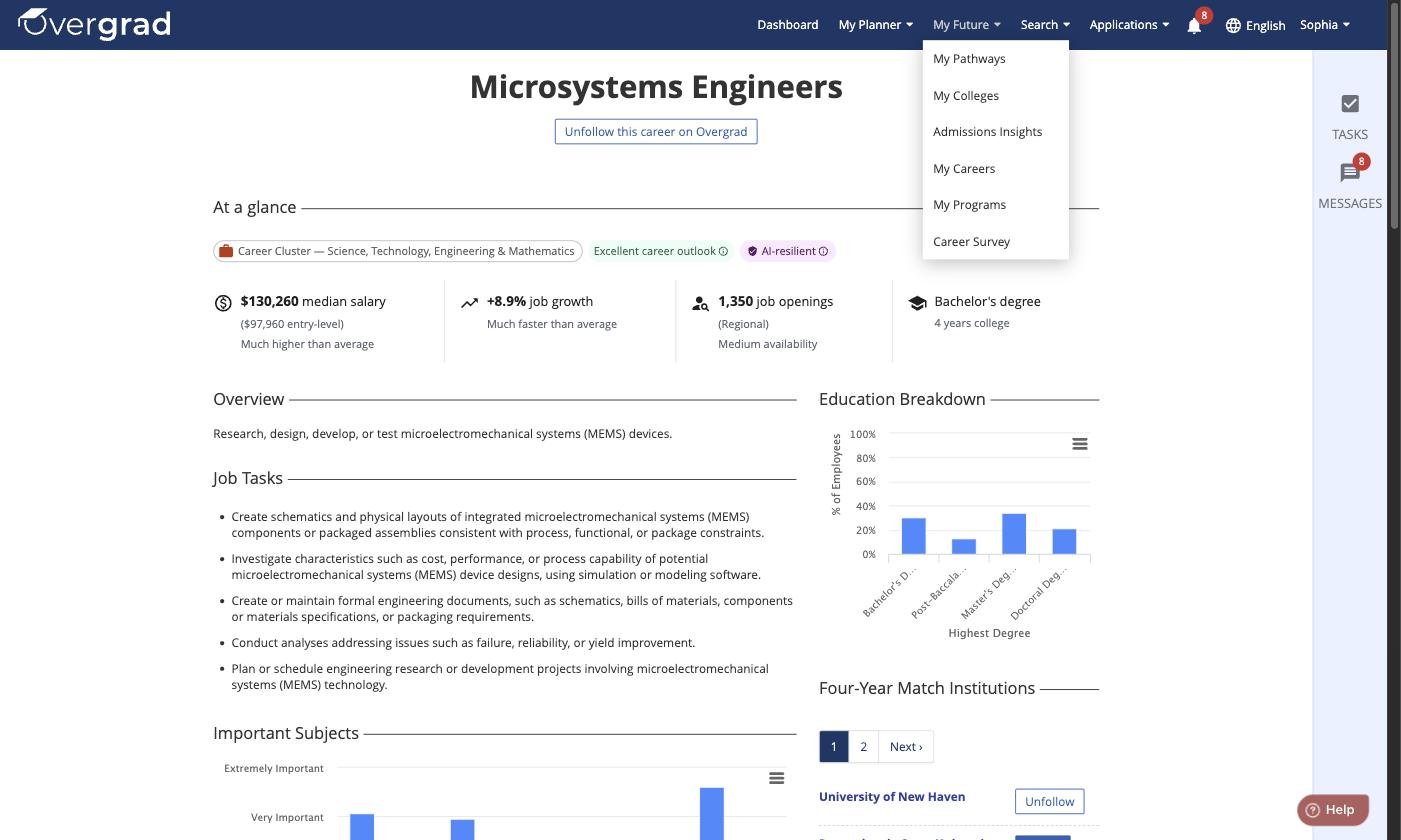
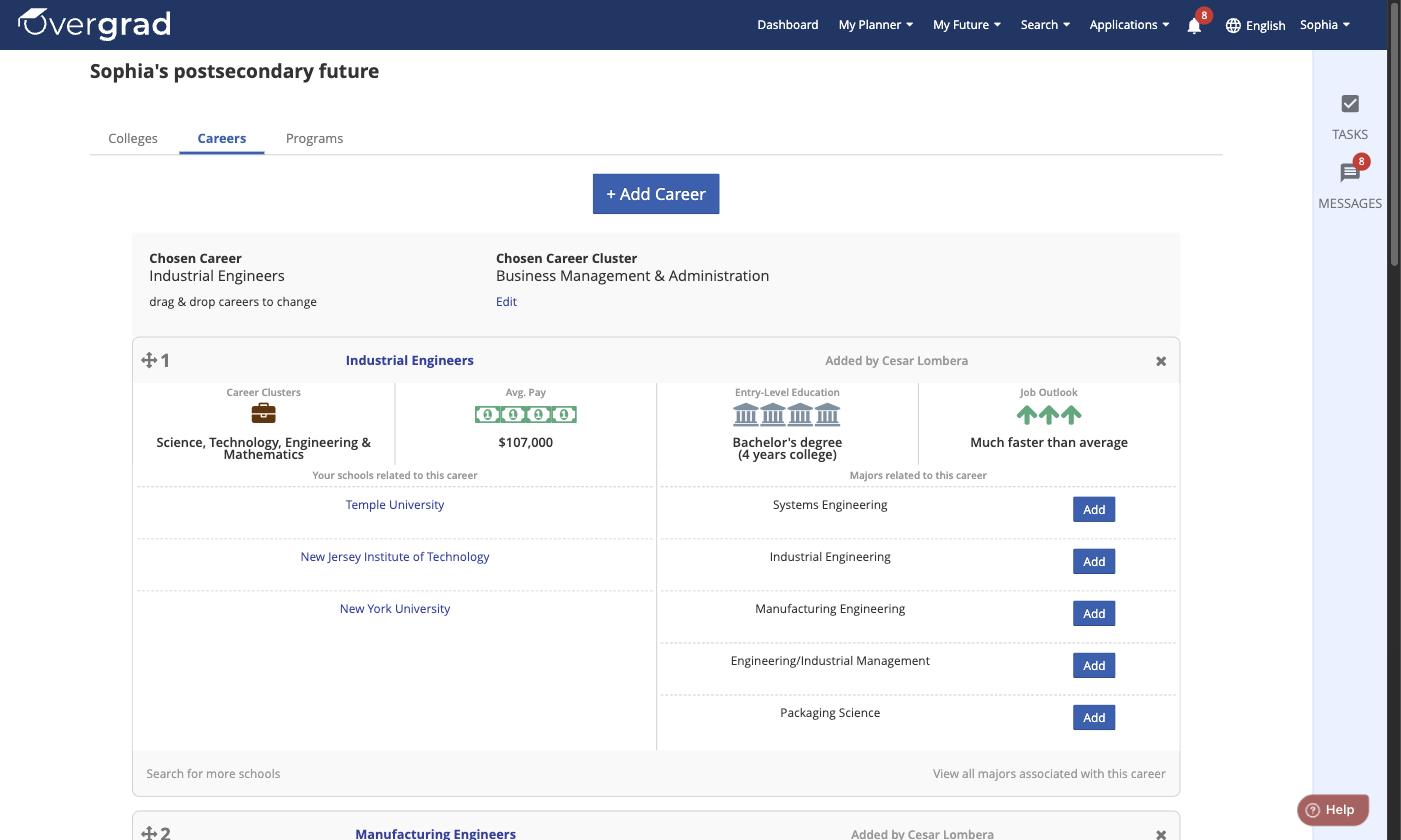
To see all the careers you're following, click My Future on the toolbar, then select My Careers.
Was this article helpful?
That’s Great!
Thank you for your feedback
Sorry! We couldn't be helpful
Thank you for your feedback
Feedback sent
We appreciate your effort and will try to fix the article