If you're implementing the nXu curriculum, Overgrad includes a dedicated resource library to support you throughout the school year.
To access nXu resources:
Log in to your Overgrad account.
In the top navigation bar, click nXu:

On the left-hand sidebar, click Resources.
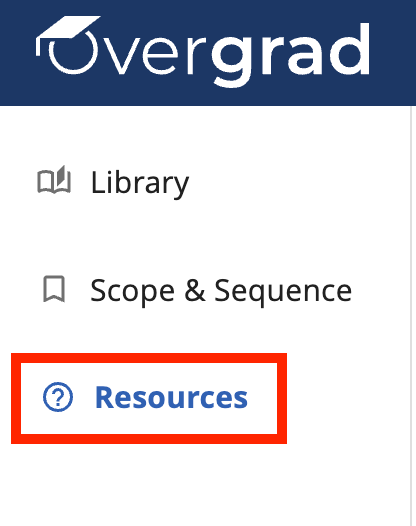
The Resources page contains a collection of expandable topic areas, including Curriculum Selection & Preparation, Assessment & Data, and more. Within each section, you'll find a variety of implementation resources that you can:
Preview online – by clicking on the eyeball icon:

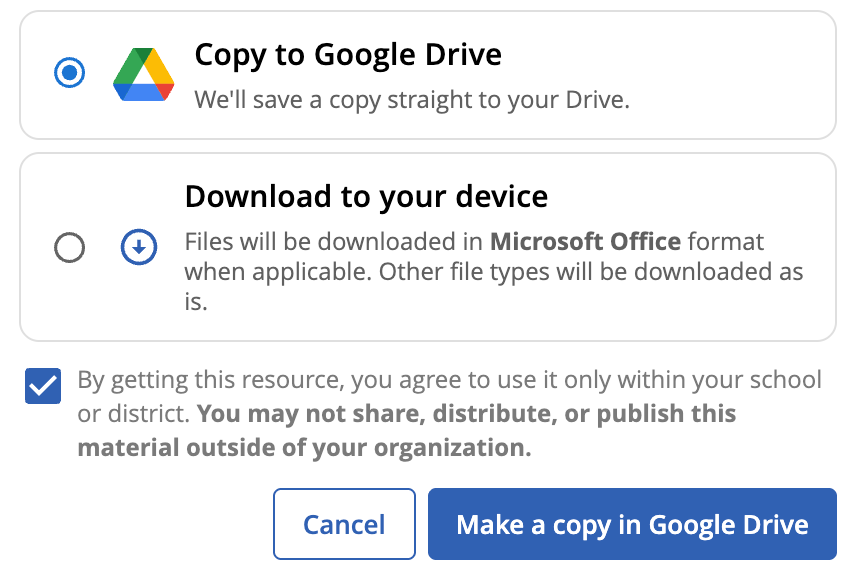
Make a copy in your Google Drive – by clicking the download icon (
 ), selecting “Copy to Google Drive”, checking the disclaimer box, clicking the blue button that says “Make a copy in Google Drive.” Note that this will live in your “My Drive” which you can then share with others as needed.
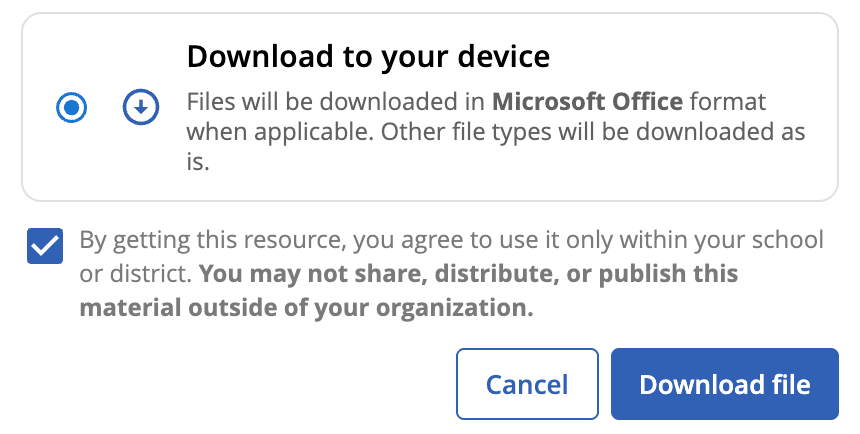
Download as a Microsoft file – by clicking the download icon (
 ), selecting “Download to your device” and checking the disclaimer box, and clicking the blue button that says “Download file.”
These resources are designed to help you implement the nXu curriculum with confidence and support a successful experience throughout the school year.
If you have questions about accessing the Overgrad platform or other technology-related issues, please contact support@overgrad.com.
If you have questions about the nXu curriculum, assessments, training, or implementation, please contact support@nxueducation.org.
Was this article helpful?
That’s Great!
Thank you for your feedback
Sorry! We couldn't be helpful
Thank you for your feedback
Feedback sent
We appreciate your effort and will try to fix the article