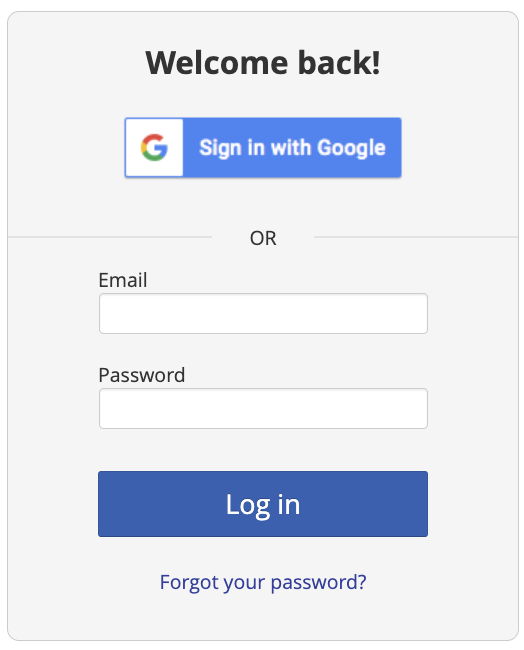
1. Log into your Overgrad account: https://app.overgrad.com/login
remember: use the email address linked to your Overgrad account
2. Select the dropdown under My Planner in the header and then Documents.

3. Clicking the menu ( . . . ) to the right of the Name column will download files to your computer or link you to the URL added.

Was this article helpful?
That’s Great!
Thank you for your feedback
Sorry! We couldn't be helpful
Thank you for your feedback
Feedback sent
We appreciate your effort and will try to fix the article